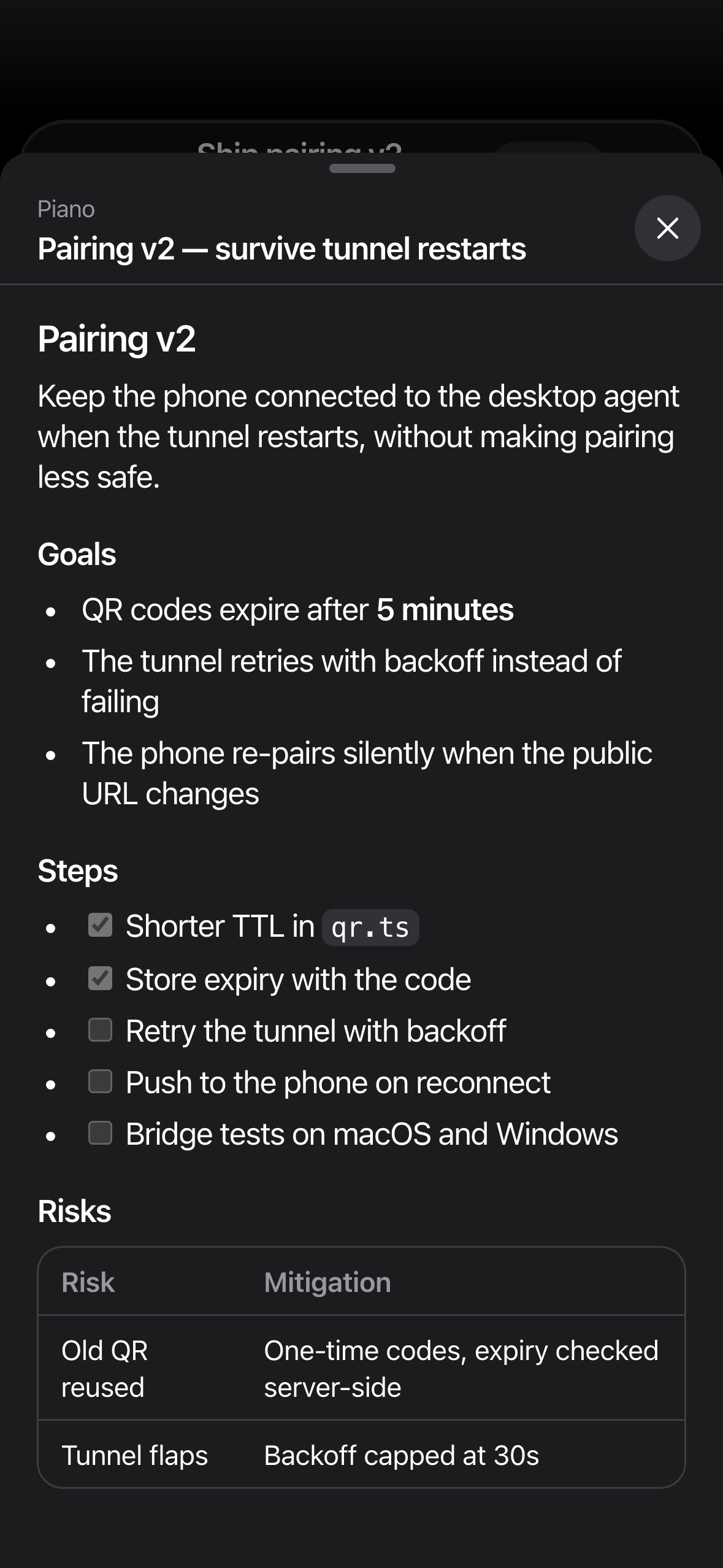
Pairing v2 — survive tunnel restarts
- Shorter TTL in
qr.ts - Store expiry with the code
- Retry the tunnel with backoff
- Push to the phone on reconnect
 DeckAgent
Join TestFlight
DeckAgent
Join TestFlight
Built for agentic coding on Cursor
Your agents keep running on your computer. DeckAgent puts them in your pocket — follow the work, read the plan, send the next move.
iPhone beta · Not the official Cursor app
DeckAgentnow
Agent is waiting · Ship pairing v2
qr.tspairing.ts41 export function issue() { 42- const ttl = 60_000 42+ const ttl = 5 * 60_000 43 const code = nonce(6) 44+ store.set(code, now() + ttl) 45+ queue.notify(code)
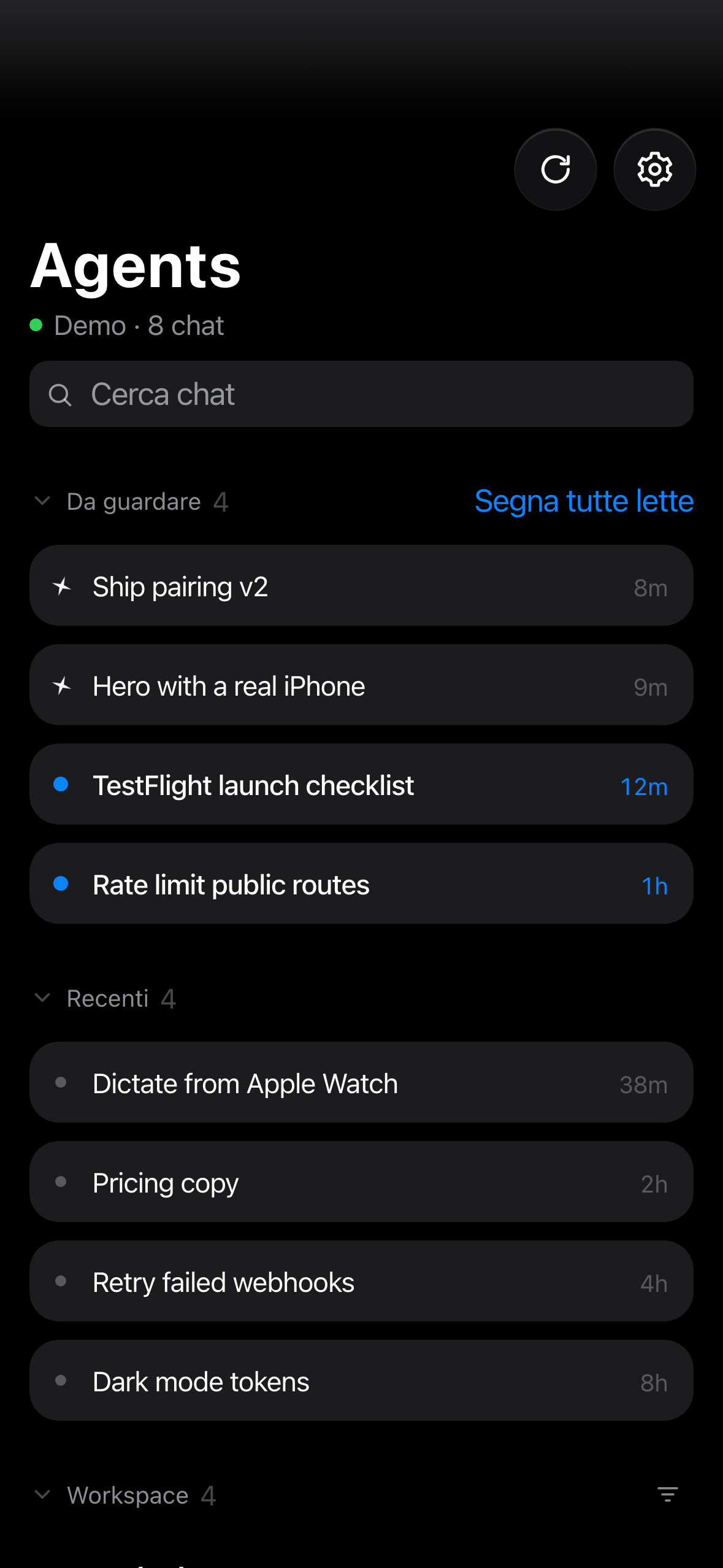
01 — Agents
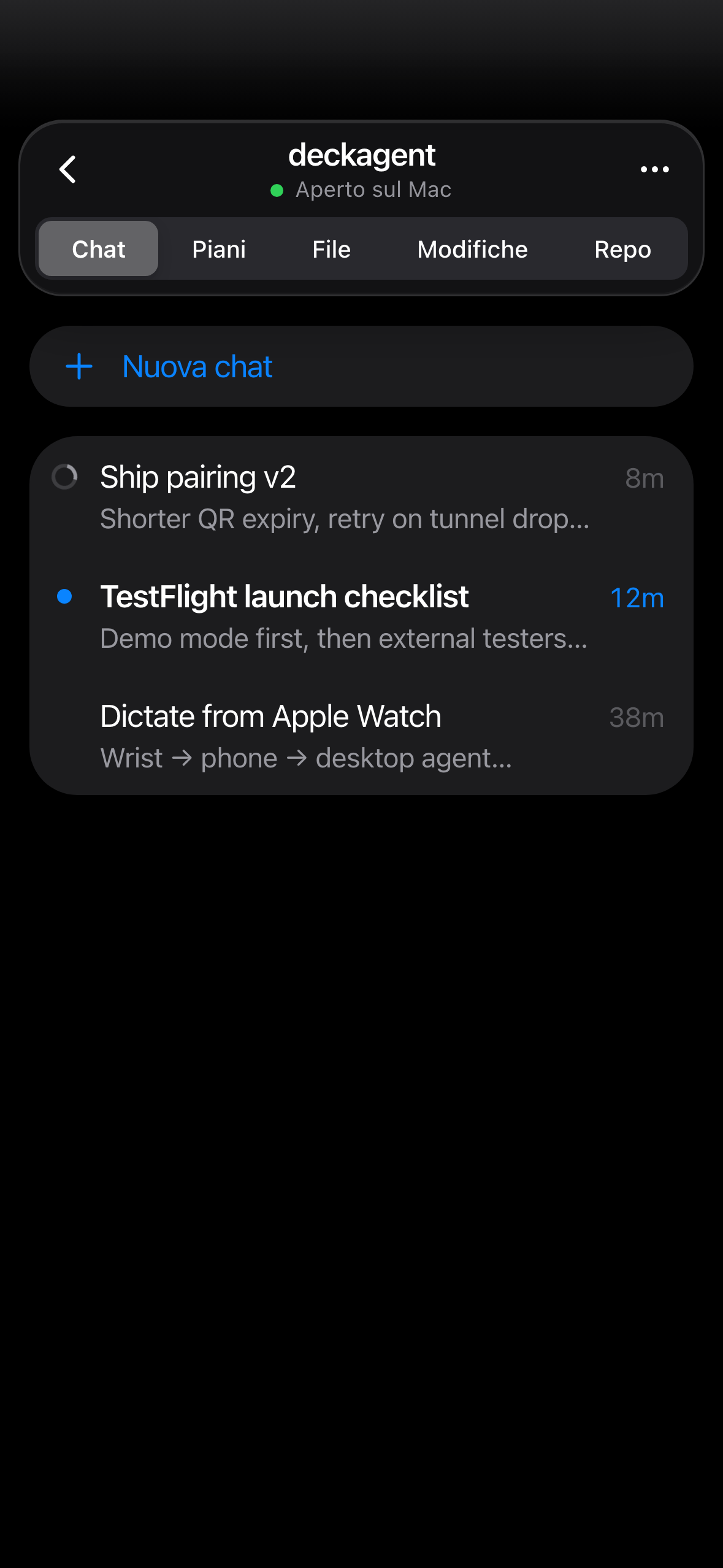
The same workspaces and chats you have in Cursor, grouped the way you left them. You see what is running, what is waiting for you, and what just finished.
02 — Plans
When the agent writes a plan, it opens on your phone as a real document — goals, steps, risks. Check it on the train, then send the go-ahead.
03 — Send
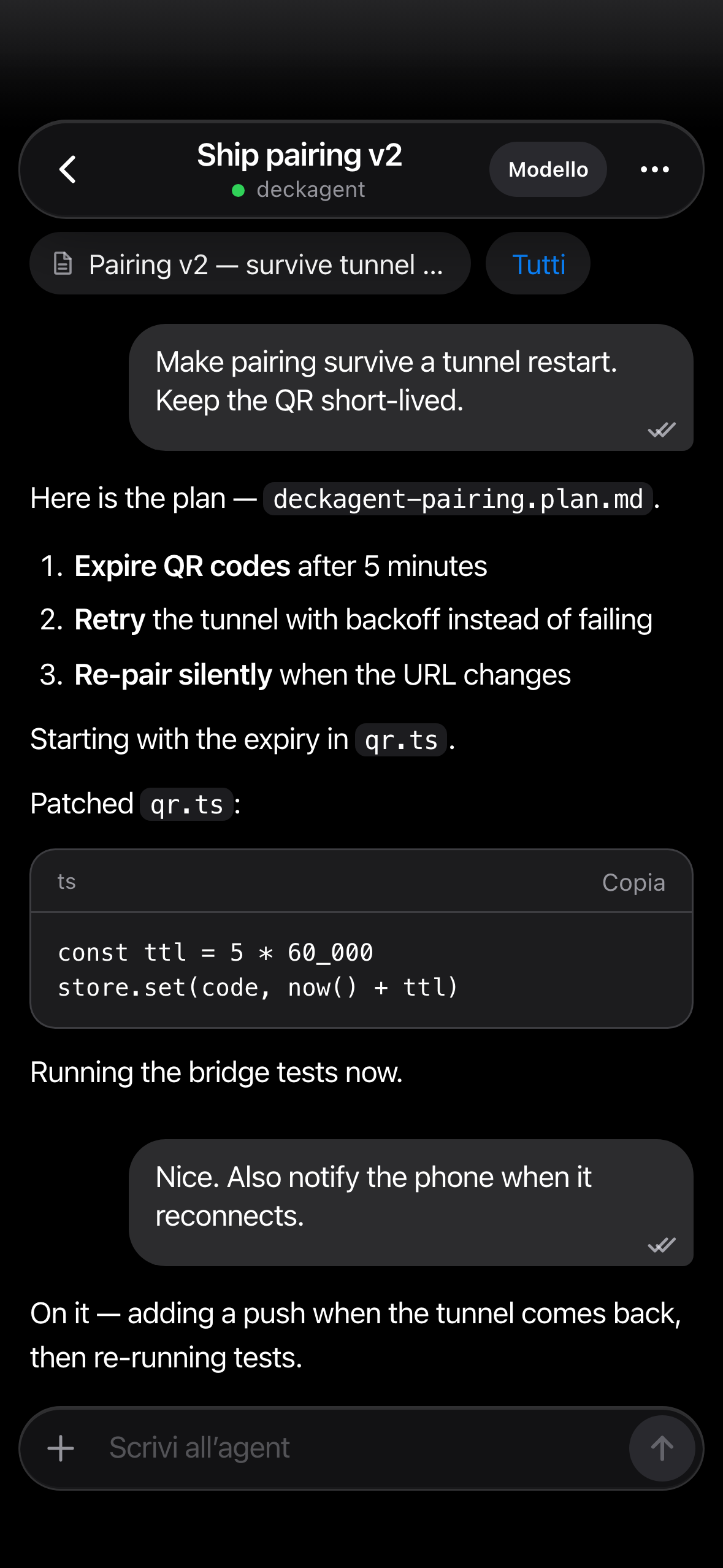
Type or dictate. The prompt queues to the Cursor agent already open on that machine, in the chat you choose — or a new one.
04 — Pair
Paste one message into Cursor Agent. It starts the bridge and opens a QR on your screen.
The code is one-time and expires in minutes. The phone remembers the machine.
Agents, plans and prompts follow you. The work stays on the computer.
05 — Local
The bridge runs beside Cursor on your computer. DeckAgent reads what you open and sends what you write. It keeps no copy of your repository.